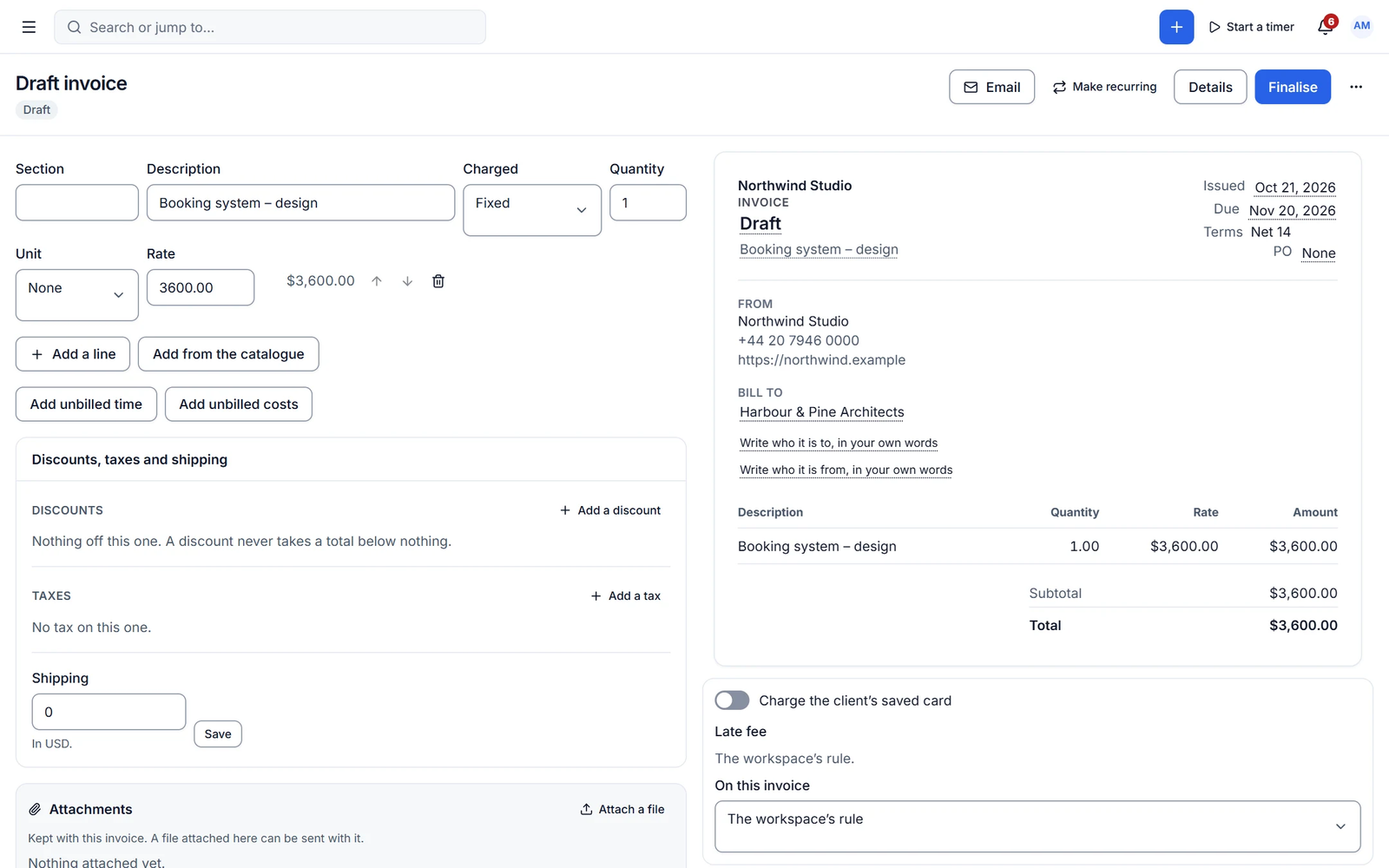
AI & agents · Run on autopilot
AI agents that work your client business, with you in control.
Cliezoo brings AI into every corner of your workspace: drafting replies, summarising threads, planning projects and catching late invoices. Bring your own agent through MCP or use the built-in assistant. Nothing is sent or changed until you approve it.
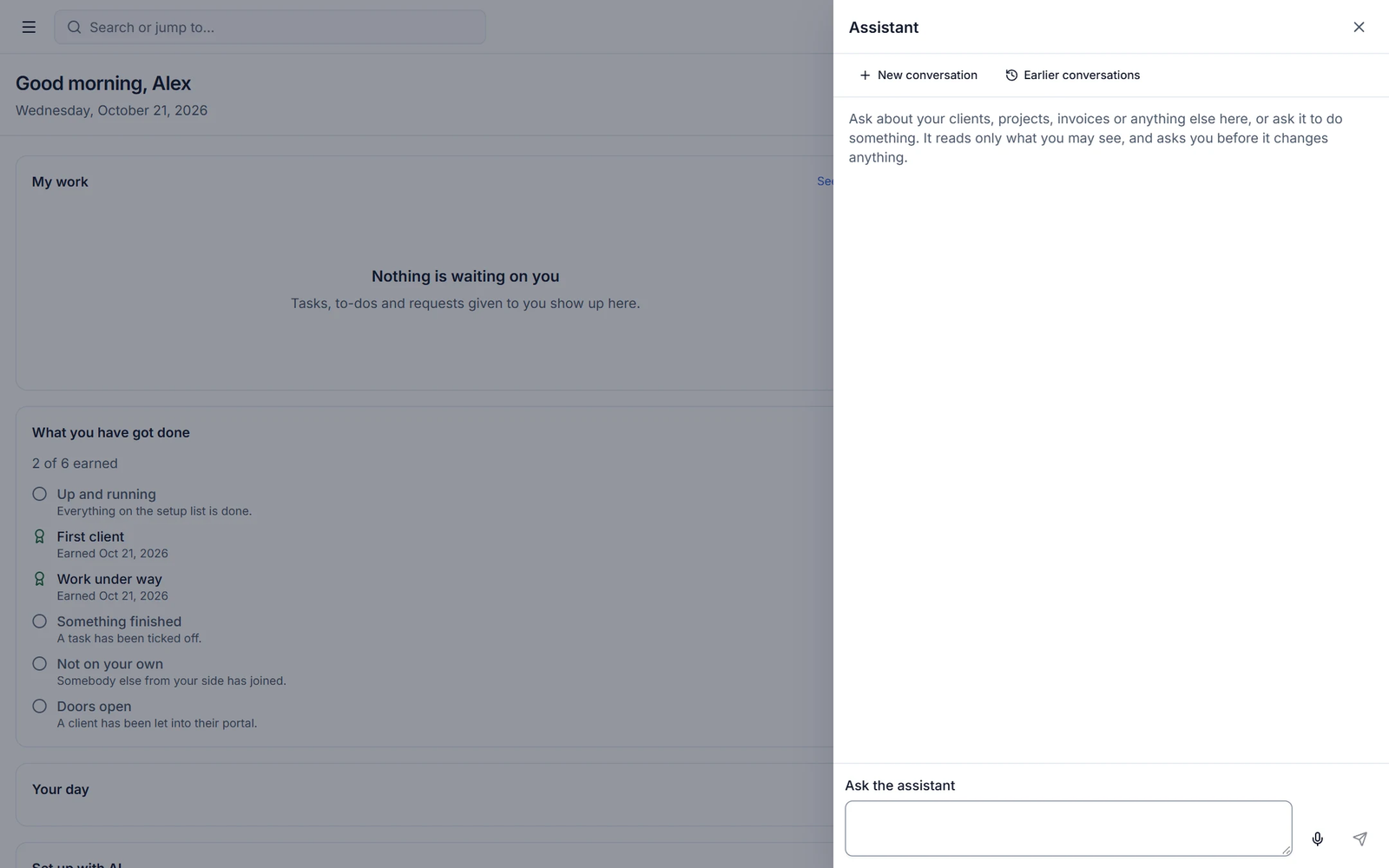
Client work is full of busywork that AI should handle
Catching up on a client, writing the follow-up, turning meeting notes into tasks, chasing an invoice. Generic chatbots cannot see your clients, projects or invoices, so you copy and paste context all day. Cliezoo gives AI the context, inside the system where the work already lives.
Bring your own agent
Connect Claude, ChatGPT or Cursor to your workspace
The Cliezoo MCP server works with the official WordPress MCP Adapter. Your AI agent gets a curated set of tools to read and act on clients, projects, tasks and invoices, using your own AI subscription.
- 150 curated tools, grouped into read, safe and sensitive
- Writes are drafts first; sensitive tools are off by default
- A dedicated AI agent user, a full list of what agents changed, and one button that stops everything
Built-in assistant
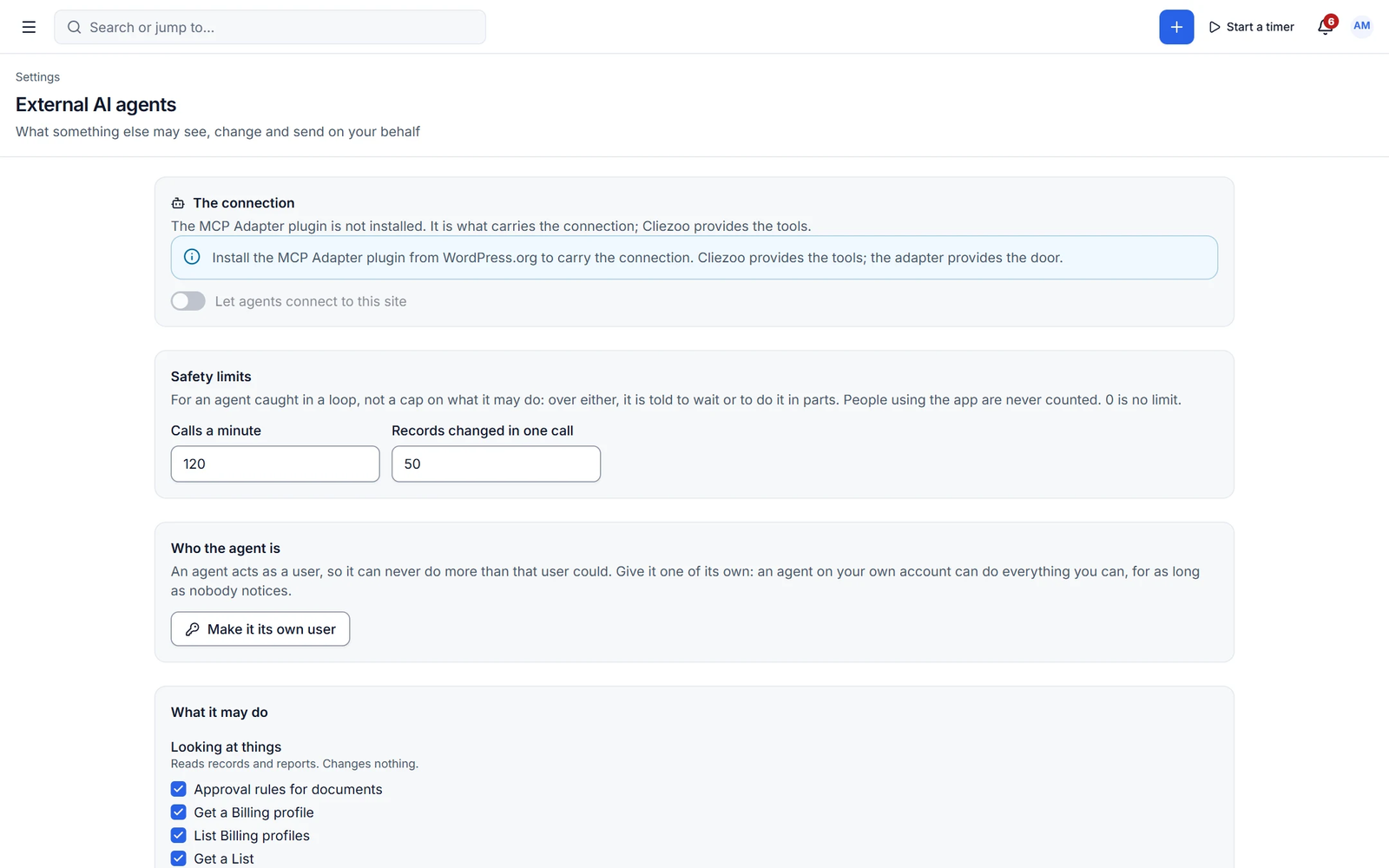
Ask anything about your business, then act on the answer
Press Ctrl/Cmd+J and ask. "What is overdue for Bluedot?" "Draft the kickoff email." The assistant answers from your own data and proposes actions you confirm with one click. Quick create turns a sentence into a record: "Invoice Bluedot $500 for the logo refresh."
- Q&A over your workspace with confirmed actions
- Daily briefing on Home: what changed, what needs you
- Project planner, task generation from notes and emails
Your model, your keys
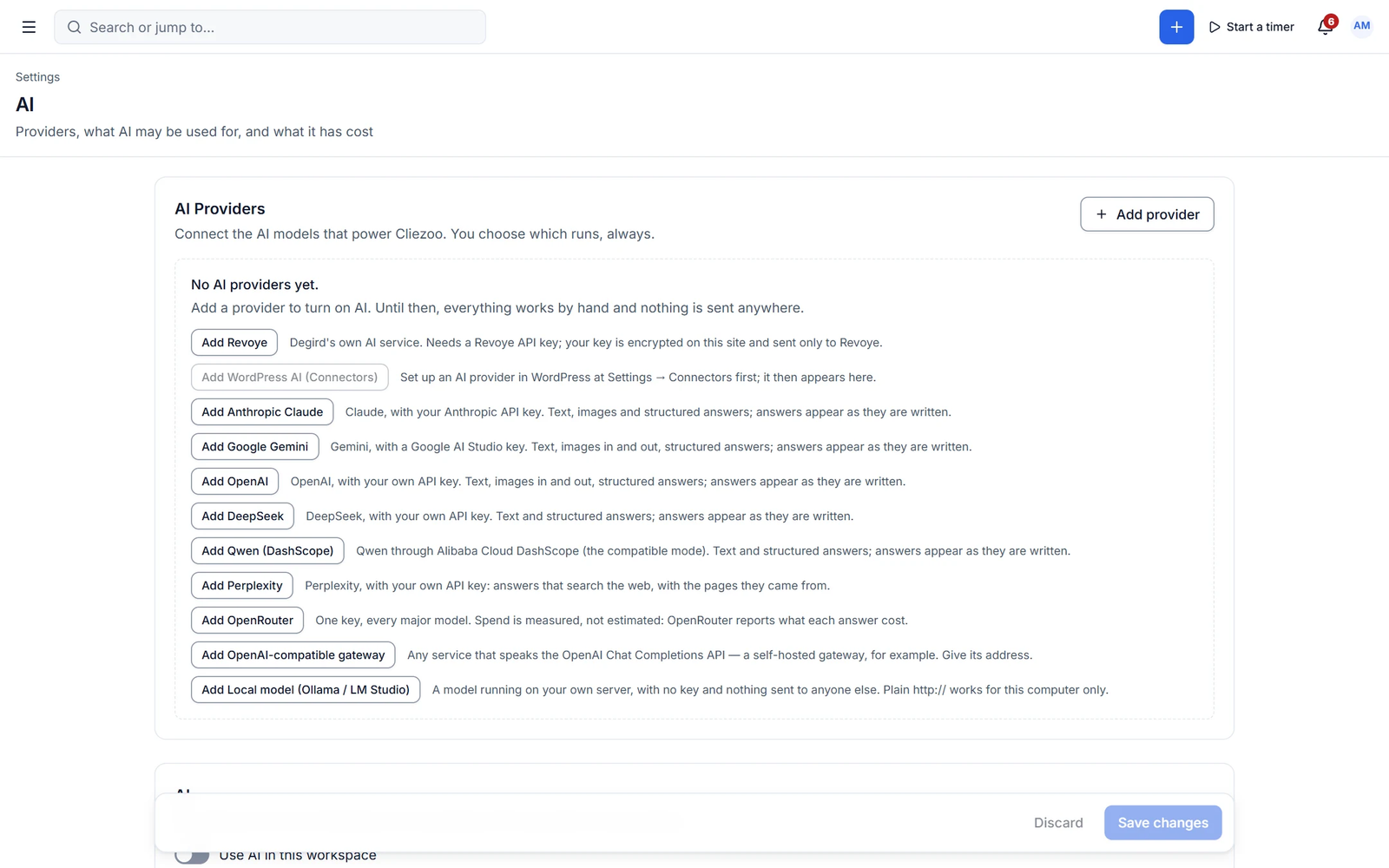
Choose the AI provider, or run a model locally
Free works with the AI Connectors built into WordPress, plus Revoye with its key kept in an encrypted vault. Pro adds its own encrypted key vault and adapters for Claude, Gemini, OpenAI, DeepSeek, Qwen, Perplexity, OpenRouter, any OpenAI-compatible gateway and local models through Ollama or LM Studio.
- Encrypted key vault, monthly budgets per provider
- Optional fallback when a provider is down
- Turn AI off per module or per role
Capabilities
What you get with ai & agents
Free features work with no limits. Pro features are marked.
- ✦ AI
AI writing in every editor
Write, rewrite, shorten, expand, fix grammar, change tone and translate wherever you type.
- ✦ AI
Summaries and reply drafts
Summarise a thread, a document or form answers, and draft the reply in one click.
- Free + Pro ✦ AI
MCP server for outside agents
Claude, ChatGPT, Cursor and other agents work with your data through curated tools.
- ✦ AI
AI action log
Every AI action is recorded, so you always know what was suggested, drafted or changed.
- Pro ✦ AI
AI assistant panel
Ask questions about your workspace and run confirmed actions and multi-step jobs.
- Pro ✦ AI
AI quick create
Type what you need and Cliezoo creates the invoice, task or client for you.
- Pro ✦ AI
Daily briefing and insights
Start the day with a summary of what changed and what needs your attention.
- Pro ✦ AI
Predictions
Lead scoring, win probability, churn risk and late-payment prediction.
- Pro ✦ AI
Whole-document generation
Proposal from a brief, quote from a description, contract drafting and proposal scoring.
- Pro ✦ AI
Bring your own AI keys
Nine provider adapters including local models through Ollama or LM Studio, with budgets and fallback.
- Pro ✦ AI
Brand voice and client memory
A company profile, clause library and per-client memory keep every draft on brand.
- Pro ✦ AI
AI search across your workspace
A knowledge index answers questions from your records, respecting each person’s permissions.
- Free + Pro ✦ AI
Undo, labels and redaction
Undo AI changes, label AI-written content and mask personal data. Pro previews exactly what will be sent.
✦ You stay in control
Agentic, with guard rails
Cliezoo is built so AI drafts and you decide. Free never auto-runs anything. In Pro automations you choose the approval level for each AI step: suggest, draft or auto-run. Anything that deletes, sends or touches money always waits for a person.
- Draft-first by default
- Sensitive tools off until you enable them
- Every action logged
- Kill switch for all agents
With Cliezoo Pro Pro
More automation and scale
- AI assistant panel and AI quick create
- Daily briefing, insights and predictions
- Proposal, quote and contract generation
- AI steps inside automations
- Nine provider adapters, encrypted vault, budgets and streaming
Frequently asked questions
Can’t find your answer? Read the docs or ask the Degird team.
Read the docs → Contact us →What is agentic client management?
It means AI agents take on parts of your client work, like drafting follow-ups, organising tasks and spotting overdue invoices, using your real client data. In Cliezoo they work inside your WordPress site and ask before they act.
Do I need a paid AI subscription?
No. The free plugin uses the AI Connectors built into WordPress, configured with the provider of your choice. To use outside agents such as Claude or ChatGPT through MCP, you use your existing subscription with that provider.
Can AI send emails or change data without me?
Not in the free plugin: AI only drafts, and you send. In Pro automations you set the approval level for each AI step, but anything that deletes, sends or touches money always waits for a person, and sensitive agent tools stay off until you turn them on.
What does the AI model see?
Only the context needed for the request you made, such as the thread you asked it to summarise. You choose the provider, and Pro can run a local model so data never leaves your own infrastructure.
What do I need for the MCP server?
The official WordPress MCP Adapter plugin. Cliezoo registers its tools when the adapter is present and does nothing when it is not.
Run your whole client business from WordPress.
Install the free plugin in minutes. No caps, no trial, no credit card. Upgrade to Pro when you want autopilot.