Messages & requests · Deliver the work
Every client conversation and request, in context.
Conversations live next to the client and project they belong to. Clients raise requests through the portal, you turn them into tasks or quotes, and answers live in a shared knowledge base.
Client communication is scattered across apps
Email, chat and calls each hold part of the story. Cliezoo keeps conversations, requests and documentation in one workspace, linked to the right client.
Conversations
Threads with everything a team needs
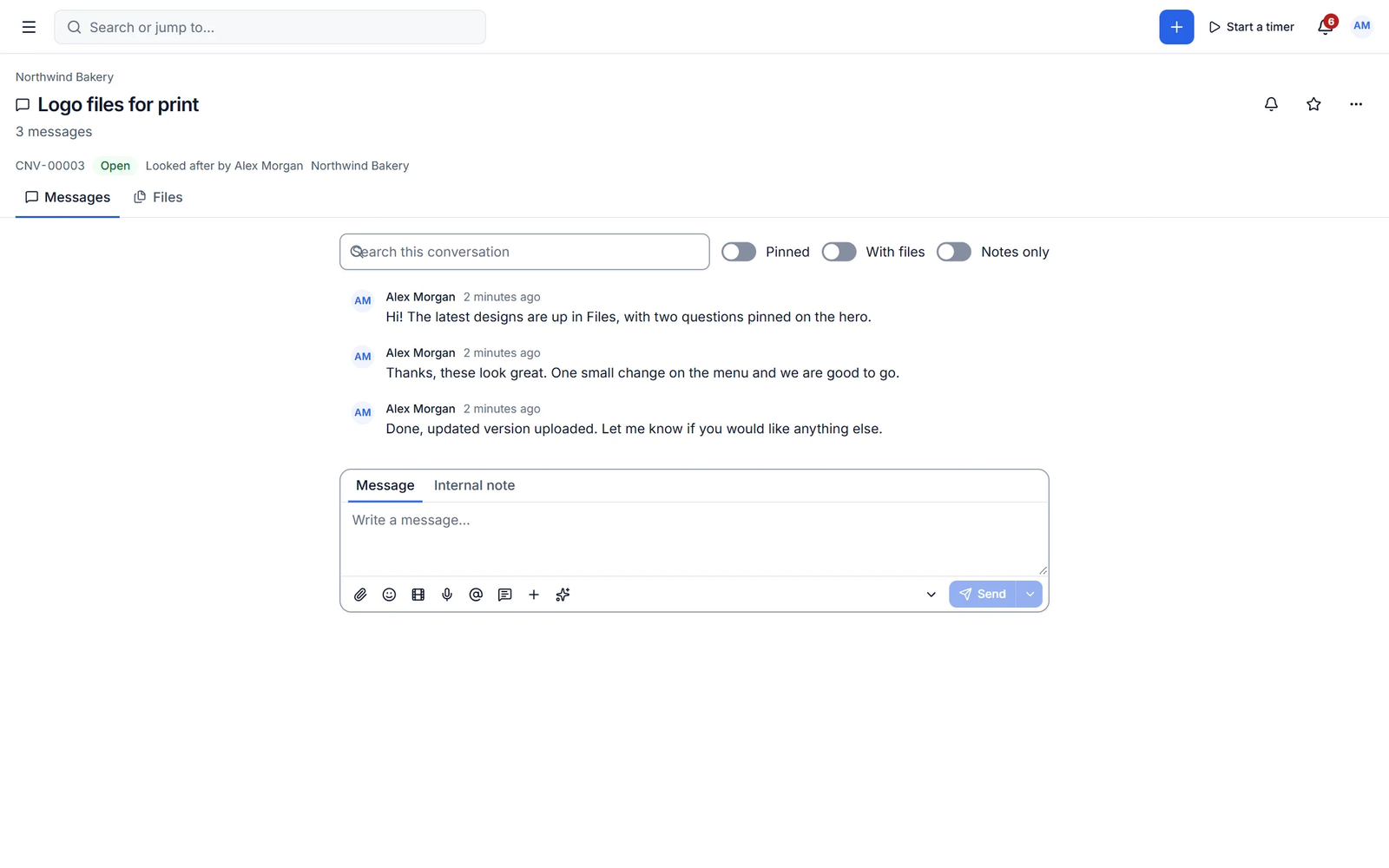
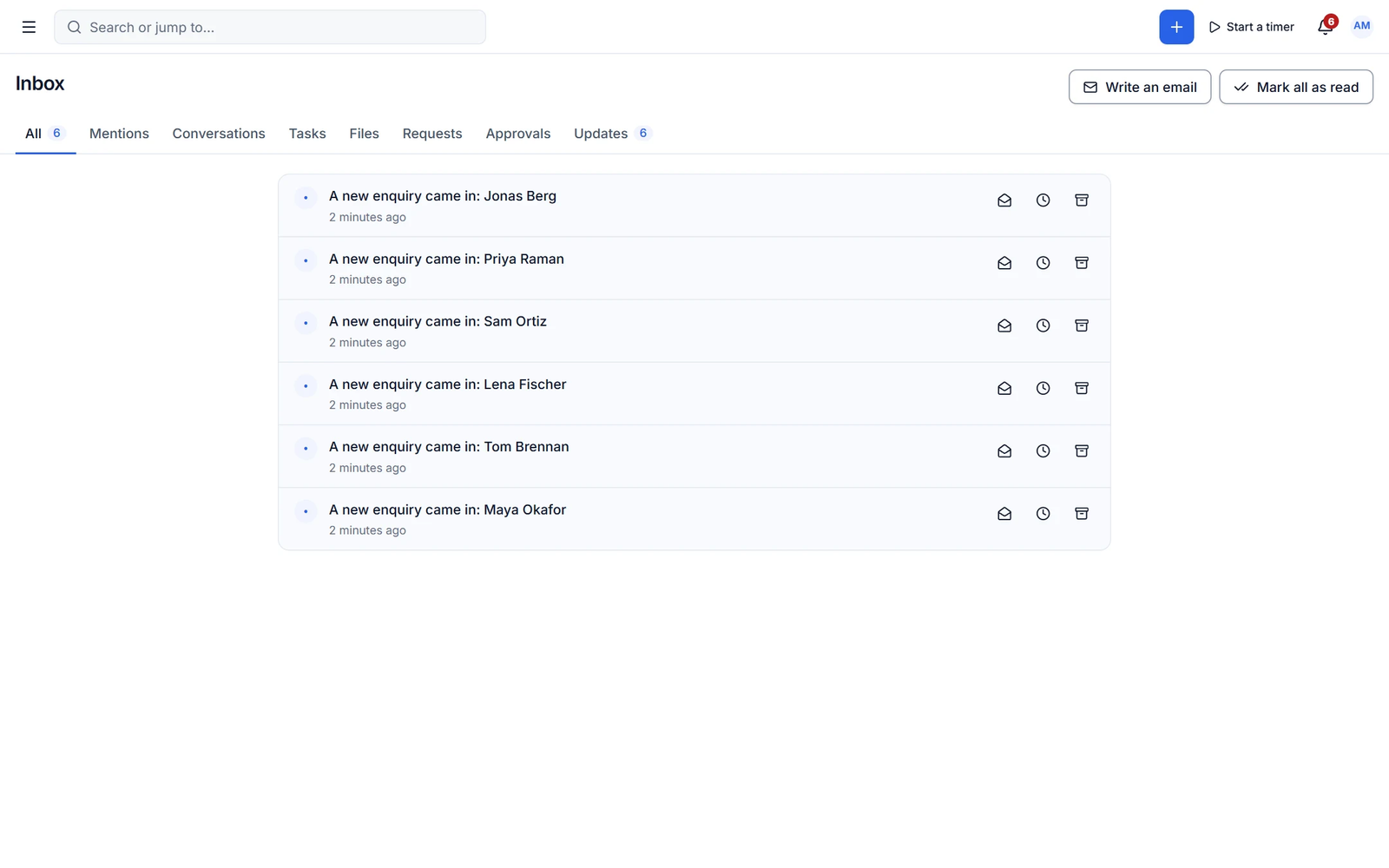
Messages and internal notes, attachments, voice notes, saved replies, mentions, scheduled send, reactions, reply threads, read receipts and pinned messages. An inbox with mentions, requests and approvals keeps you on top of it.
- Internal notes clients never see
- Team direct messages and groups
- Snooze and archive
Requests and docs
Turn client requests into work
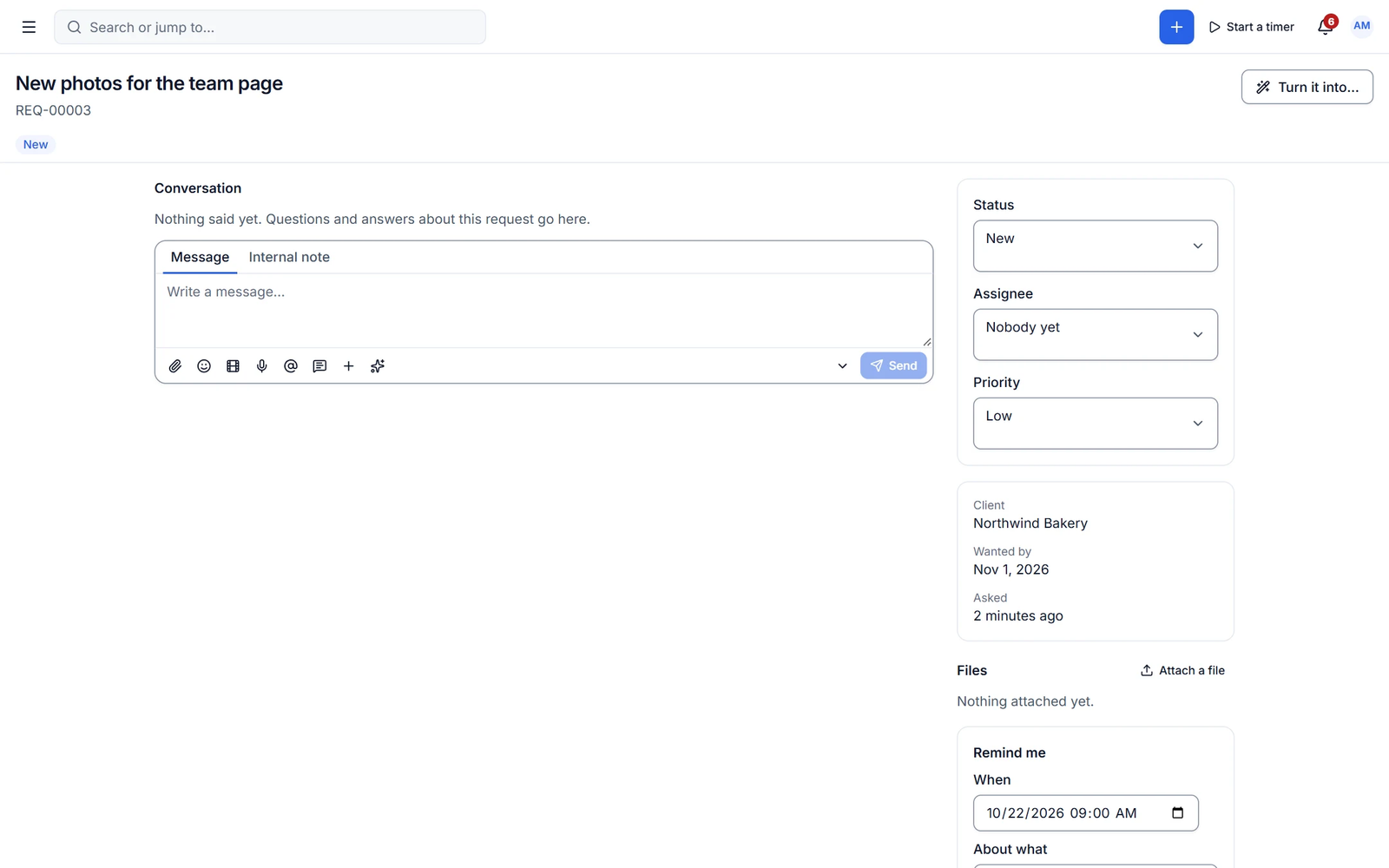
Clients raise requests with custom forms per type. Track priority and status, discuss in the request thread, and convert it to a task, project, quote or change order. Document processes in a Notion-style editor and publish articles to the portal knowledge base.
- Request forms per type
- Docs with slash commands and nested pages
- Export docs to PDF and Markdown
Capabilities
What you get with messages & requests
Free features work with no limits. Pro features are marked.
-
Voice notes and saved replies
Record a quick voice note or insert a saved reply.
-
Schedule send
Write now, deliver at the right time.
-
Docs and knowledge base
SOPs, client docs and portal articles with search.
- ✦ AI
Summaries and reply drafts
Summarise long threads and improve your reply with AI.
- Pro
SLA timers
Service-level timers on client requests.
- Pro
Mailbox sync
Log client emails from Gmail or Outlook on the client and deal timeline.
- Pro ✦ AI
AI translate and message to tasks
Translate threads, read tone and urgency, and turn messages into tasks.
- Pro
Public help centre
Publish your knowledge base as a help centre on your own domain.
✦ AI in messages & requests
Never read a 40-message thread again
Summaries and reply drafts are in the free plugin. Pro translates, reads tone and urgency, turns messages into tasks and drafts knowledge-base articles from conversations.
- Thread summaries
- Reply drafts
- Messages to tasks
With Cliezoo Pro Pro
More automation and scale
- Gmail and Outlook mailbox sync
- SLA timers on requests
- Doc version history and co-editing
- Public help centre on your domain
- AI translate, tone and message to tasks
Frequently asked questions
Can’t find your answer? Read the docs or ask the Degird team.
Read the docs → Contact us →Do clients need to log in to message me?
Clients message you from their portal. Notification emails tell them when you reply.
Can I keep internal notes in a thread?
Yes. Notes sit in the same thread but are only visible to your team.
Run your whole client business from WordPress.
Install the free plugin in minutes. No caps, no trial, no credit card. Upgrade to Pro when you want autopilot.