Files & approvals · Deliver the work
Share files, collect feedback, get sign-off.
A Drive-style file area for every client and project. Clients drop pins on images, PDF pages and video timecodes, you resolve the feedback, and they approve with a click.
Feedback by email is slow and easy to lose
"The logo on page three, slightly left." Screenshots, long threads and lost attachments. Pinned feedback on the file itself makes every comment precise and every approval recorded.
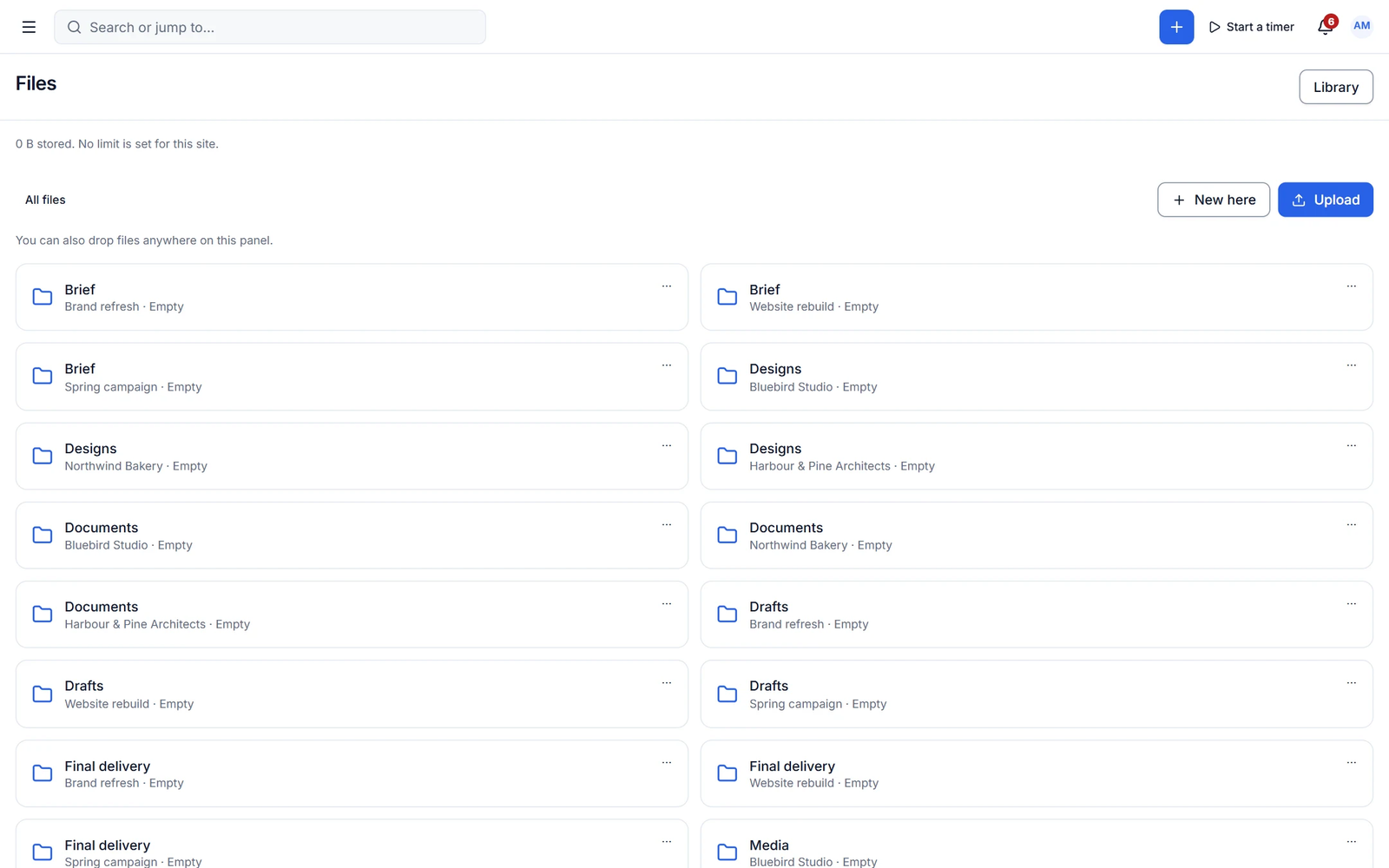
Drive-style files
Folders clients actually understand
Nested folders with colours and covers, grid and list views, drag and drop, previews for images, PDFs, video, audio and code, ZIP download and default folders for every client and project.
- Private, protected local storage
- Chunked, resumable uploads
- Add files by link (Figma, Drive and more)
Feedback and approval
Precise feedback, recorded approvals
Annotation pins with threaded comments on images, PDF pages and video timecodes, with open and resolved filters. Approvals record who approved and when.
- Approve and unapprove with history
- Public links with expiry, passcode and view count
- Full-screen viewer with video timecodes
Capabilities
What you get with files & approvals
Free features work with no limits. Pro features are marked.
-
Annotation pins
On images, PDF pages and video timecodes, included in the free plugin.
-
Protected public links
Expiry, passcode, download on or off and view counts.
- Pro
External storage
Google Drive, Amazon S3 and Cloudflare R2.
- Pro
Versions and compare
Upload new versions and compare side by side.
- Pro
Review rounds and approval chains
Multi-step approvals with deadlines, escalation and revision limits.
- Pro
Watermarks
Watermark shared previews.
- Pro ✦ AI
AI in files
Auto-tag, describe, summarise PDFs and search by content.
✦ AI in files & approvals
Files that organise themselves
Pro tags and describes uploads, summarises long PDFs, suggests the right folder and writes the delivery message.
- Auto-tagging
- PDF summaries
- Delivery messages
With Cliezoo Pro Pro
More automation and scale
- Google Drive, S3 and R2 storage
- Versions, review rounds and approval chains
- Drawing markup and video frame-range comments
- Office document previews
- Watermarks
- AI file tagging and summaries
Frequently asked questions
Can’t find your answer? Read the docs or ask the Degird team.
Read the docs → Contact us →Where are files stored?
In private, protected storage on your own server by default. Pro adds Google Drive, Amazon S3 and Cloudflare R2.
Is file feedback really free?
Yes. Annotation pins and approvals are part of the free plugin.
Run your whole client business from WordPress.
Install the free plugin in minutes. No caps, no trial, no credit card. Upgrade to Pro when you want autopilot.