Client portal · Deliver the work
A client portal on your own domain, branded as yours.
One place where every client sees their projects, approves files, signs proposals, pays invoices and talks to you. It runs on your WordPress site, carries your brand, and costs nothing per client.
Clients should not have to dig through email
Files in one thread, the invoice in another, the contract in a PDF nobody can find. A portal gives clients a single, secure home for everything you share, and gives you a record of what they saw and approved.
Everything a client needs
Projects, files, invoices and signatures in one login
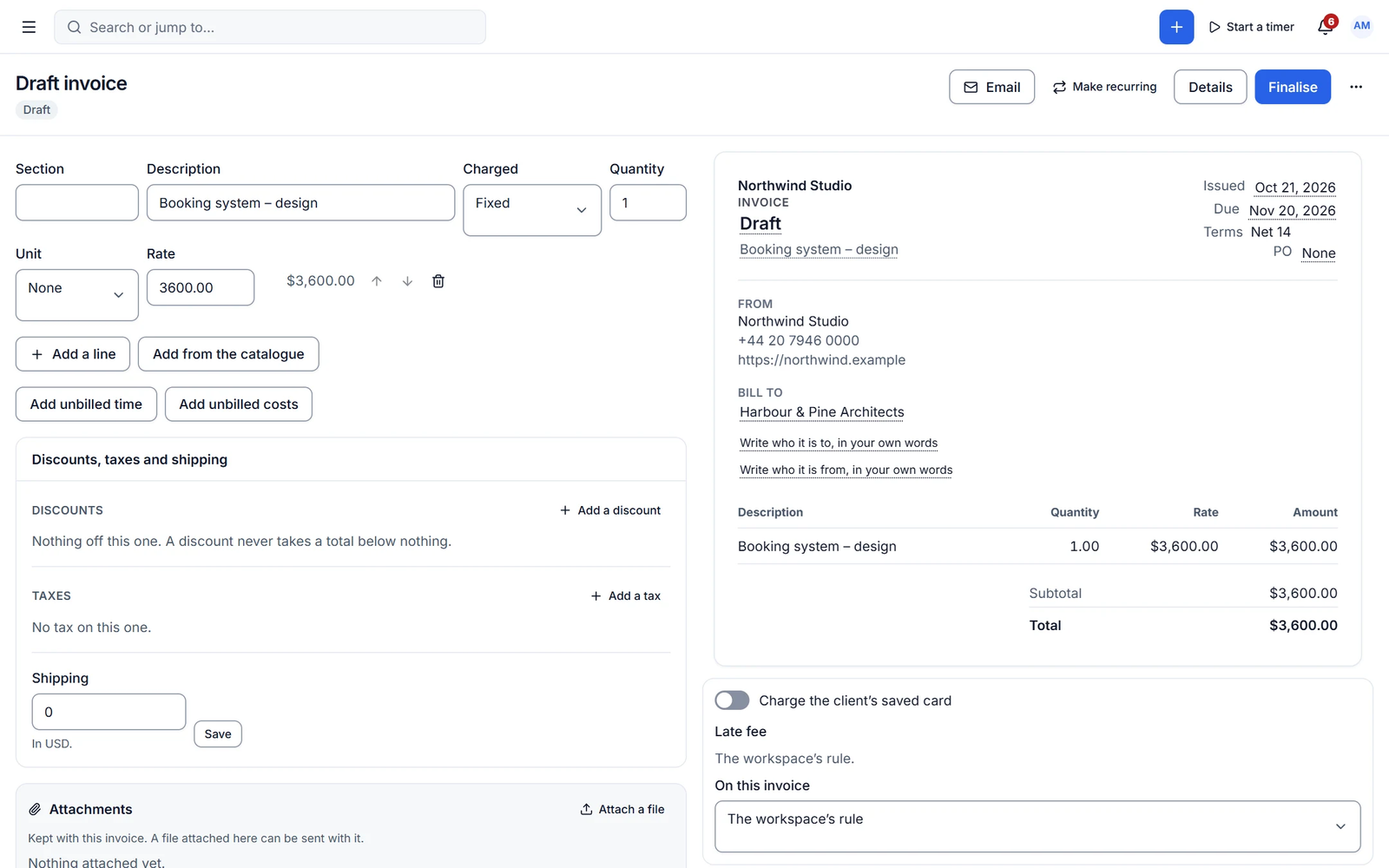
Clients follow milestones, comment on tasks you share, download and approve files, view and pay invoices, sign proposals and contracts, fill in forms, raise requests and book meetings.
- Pay invoices online and see payment history
- Approve files and leave pinned feedback
- Sign documents with a full audit trail
Configured per client
Show each client exactly what they should see
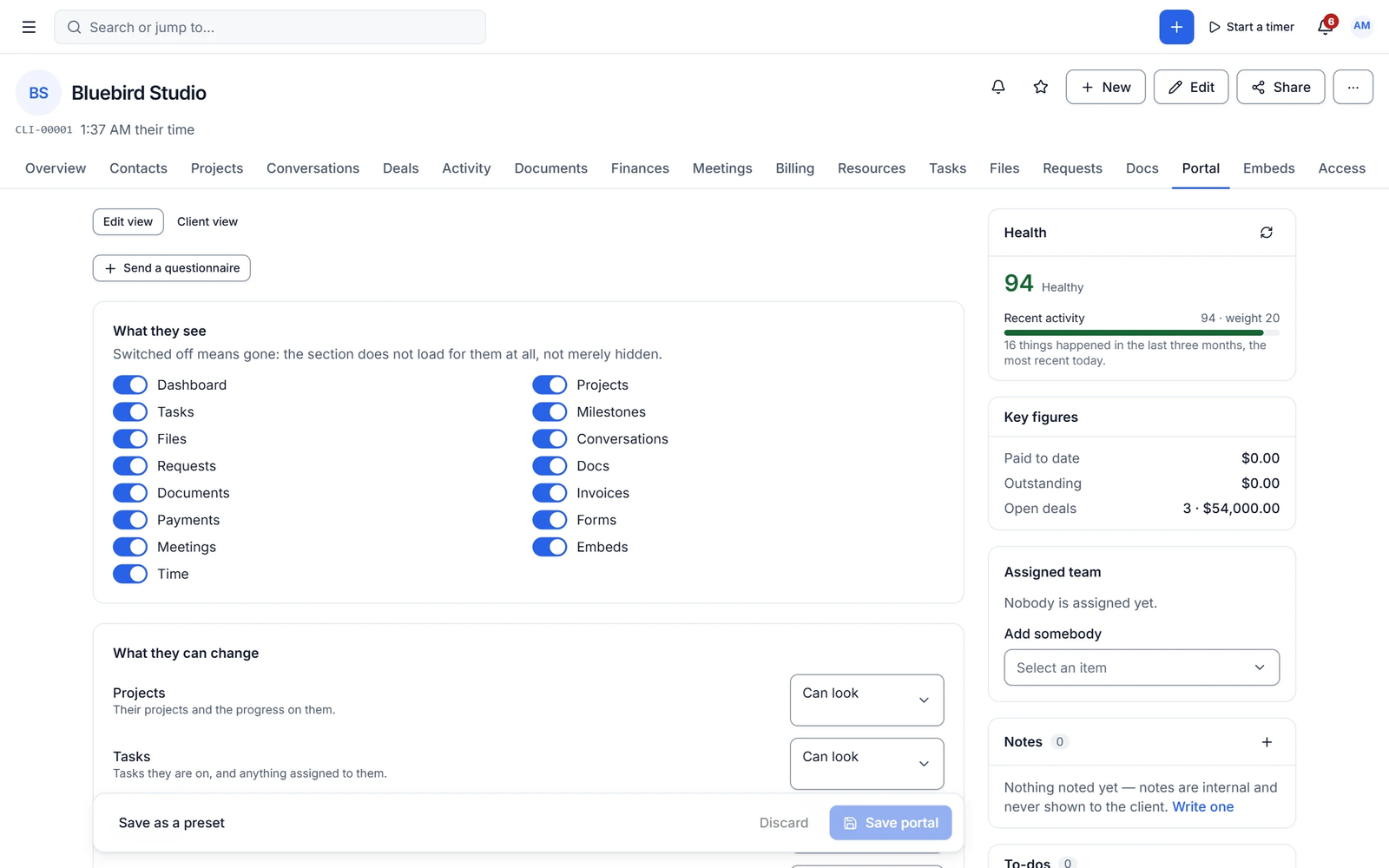
Switch modules on or off per client, set view or edit access per section and project, add a welcome message, schedule notices and embed tools. Then check the result with the client-view toggle or impersonate any contact, with every session audited.
- Per-client module switches and View/Edit access
- Client roles: Admin, Member, Viewer
- Impersonation with a banner and audit log
Capabilities
What you get with client portal
Free features work with no limits. Pro features are marked.
-
Your domain, unlimited portals
The portal runs on your own WordPress site, with no per-client fees.
-
Magic link, 2FA and passkeys
Passwordless sign-in, two-factor authentication and passkeys for clients.
-
Branding and login designer
Your logo, colours and a designed login page, with no Cliezoo branding.
-
Knowledge base in the portal
Share articles with all clients, some clients or one client, with search.
-
Language per contact
Each contact can use the portal in their own language.
- Free + Pro
Time logs and retainers
Show tracked time per client. Pro shows the retainer balance too.
- Pro ✦ AI
Client-facing AI helper
Answers client questions from what you have shared with them.
-
Client privacy isolation
Clients never see other companies, their people or their email addresses.
✦ AI in client portal
AI that helps your clients too
Pro adds a client-facing AI helper and AI-written notices and onboarding walkthroughs, all scoped to what each client is allowed to see.
- Answers only from shared content
- AI-written notices and updates
- Onboarding walkthrough for new clients
With Cliezoo Pro Pro
More automation and scale
- Client-facing AI helper
- Retainer balance in the portal
- AI-written notices and onboarding
Frequently asked questions
Can’t find your answer? Read the docs or ask the Degird team.
Read the docs → Contact us →Is there a limit on clients or portals?
No. The free plugin has no caps on clients, contacts or portals.
Does the portal work with my theme?
Yes. The portal runs as a full-screen app isolated from your theme, so theme styles cannot break it, and it does not slow your public pages.
How do clients log in?
With a magic link, a password, or a passkey, and optional two-factor authentication. You can invite contacts with or without an email.
Will clients see Cliezoo branding?
No. Client-facing pages and emails carry your brand only. A "Powered by Cliezoo" credit exists but is off unless you turn it on.
Run your whole client business from WordPress.
Install the free plugin in minutes. No caps, no trial, no credit card. Upgrade to Pro when you want autopilot.