Projects & tasks · Deliver the work
Projects that know the budget, the client and the deadline.
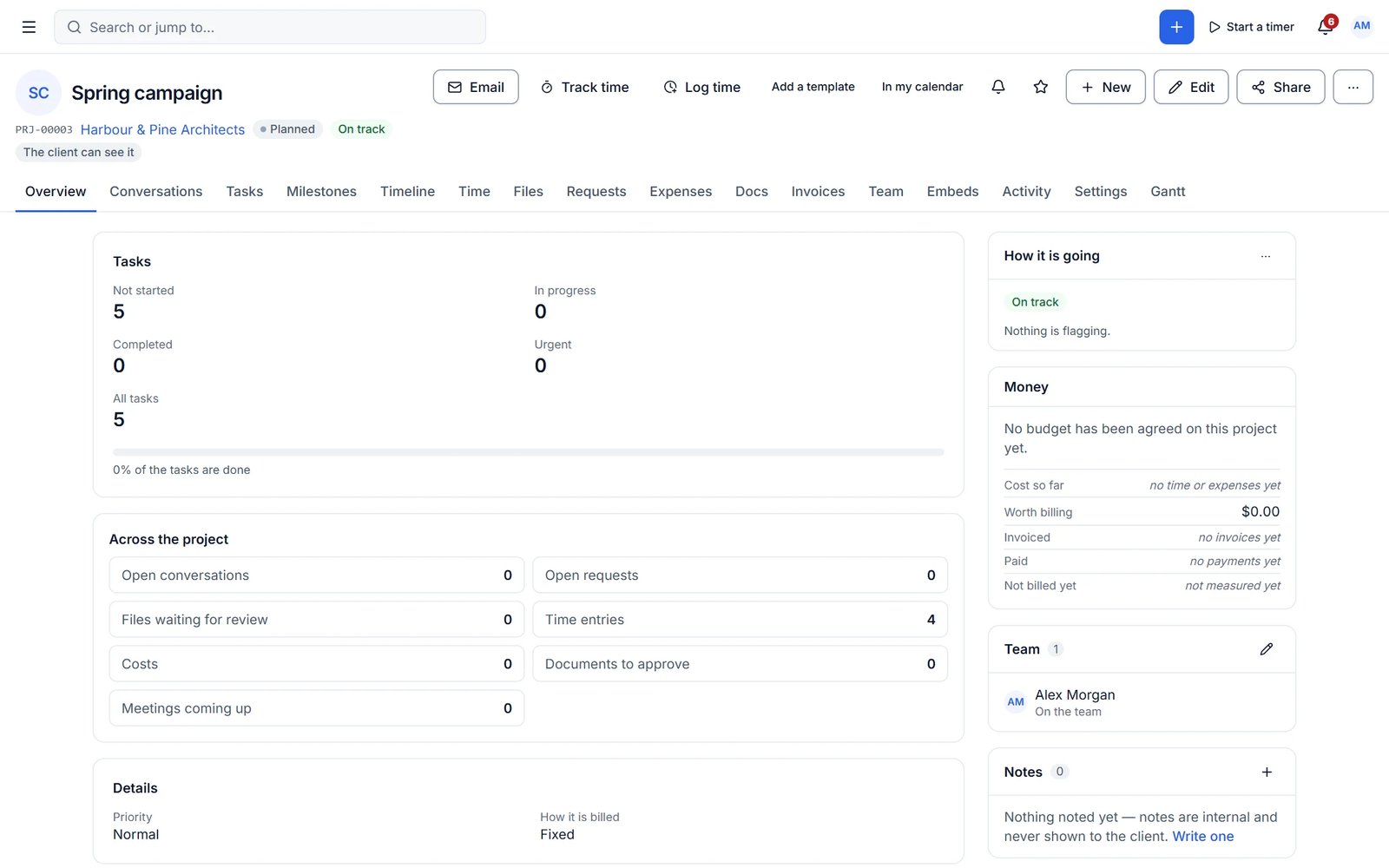
Every project tracks what is budgeted, billable, invoiced and collected, next to the tasks and milestones. Plan on boards, tables, calendars or lists, and share exactly the right parts with the client.
Task tools do not know if a project makes money
A project can be on schedule and still lose money. Cliezoo puts the budget panel next to the work, so you see burn and unbilled value before it is too late.
Money-aware projects
Budget, billed and collected on every project
Set a budget in money or hours and watch billable value, invoiced, collected, unbilled and remaining update as the team works. Budget alerts warn you before you overrun.
- Burn-down and utilisation
- Estimates vs actuals
- Portal visibility per project
Boards and views
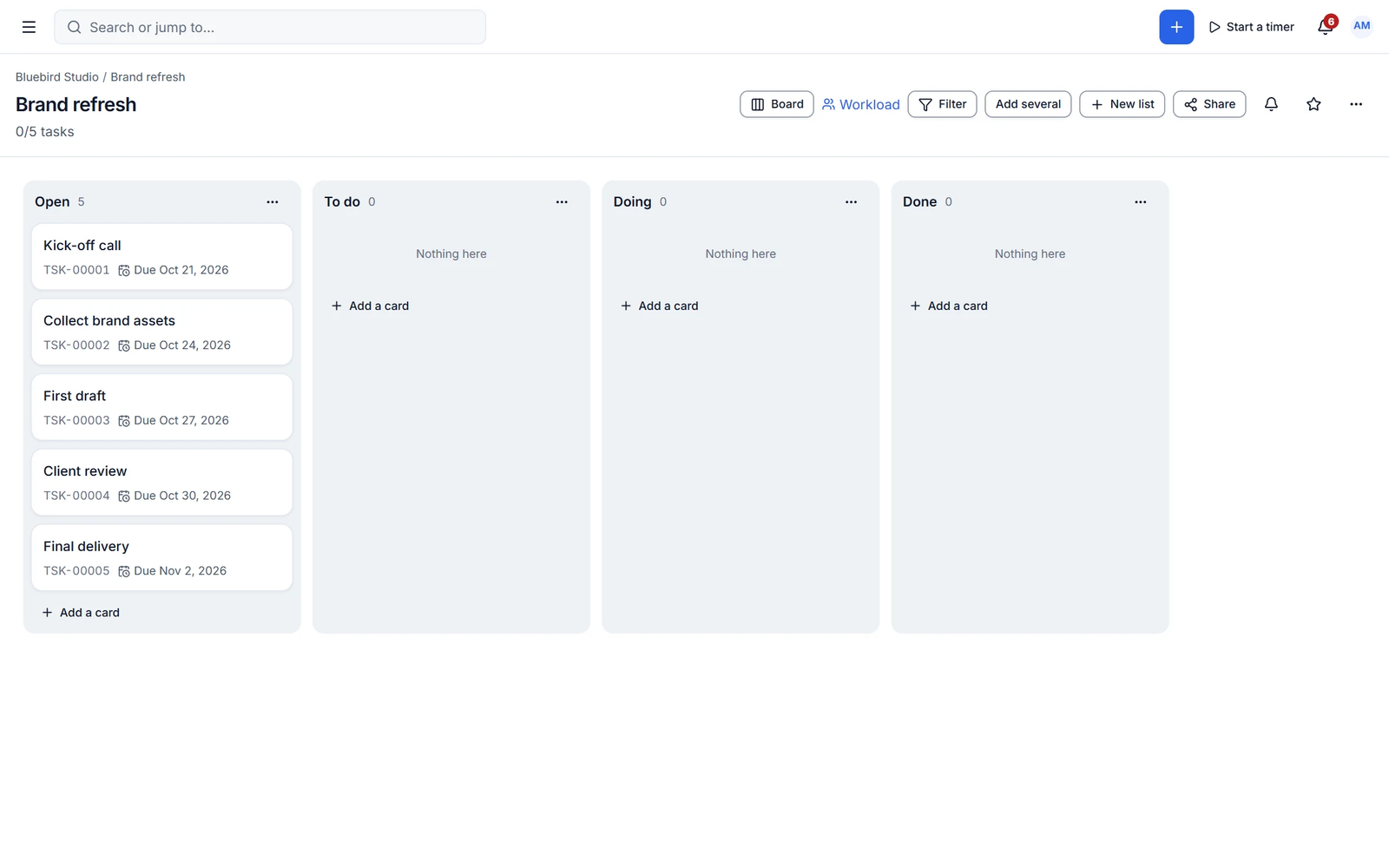
Plan the way your team works
Boards, tables with group-by, calendars, lists, My Tasks and All Tasks. Tasks carry priorities, multiple assignees, checklists, subtasks, estimates, custom fields and a visible-to-client flag.
- Recurring tasks on any schedule
- Milestones with progress and countdown
- Bulk create and bulk edit
Capabilities
What you get with projects & tasks
Free features work with no limits. Pro features are marked.
-
Project templates
Save any project as a template and choose exactly what to copy.
-
Recurring tasks
Daily, weekly, monthly, yearly or custom schedules.
-
Milestones
Status, colour, countdown and progress, visible in the portal.
- Pro
Gantt and dependencies
Timeline view with dependencies, critical path and baselines.
- Pro
Workload view
See who is overloaded before deadlines slip.
- Pro
Profit and margin
Cost, profit and margin per project from cost rates and expenses.
- Pro ✦ AI
AI project planner
Plans from a brief, tasks from notes and emails, status reports and risk alerts.
-
Task templates
Save a task with its checklists and reuse it anywhere.
-
Shareable board link
A protected read-only link to a board for clients or partners.
- Pro
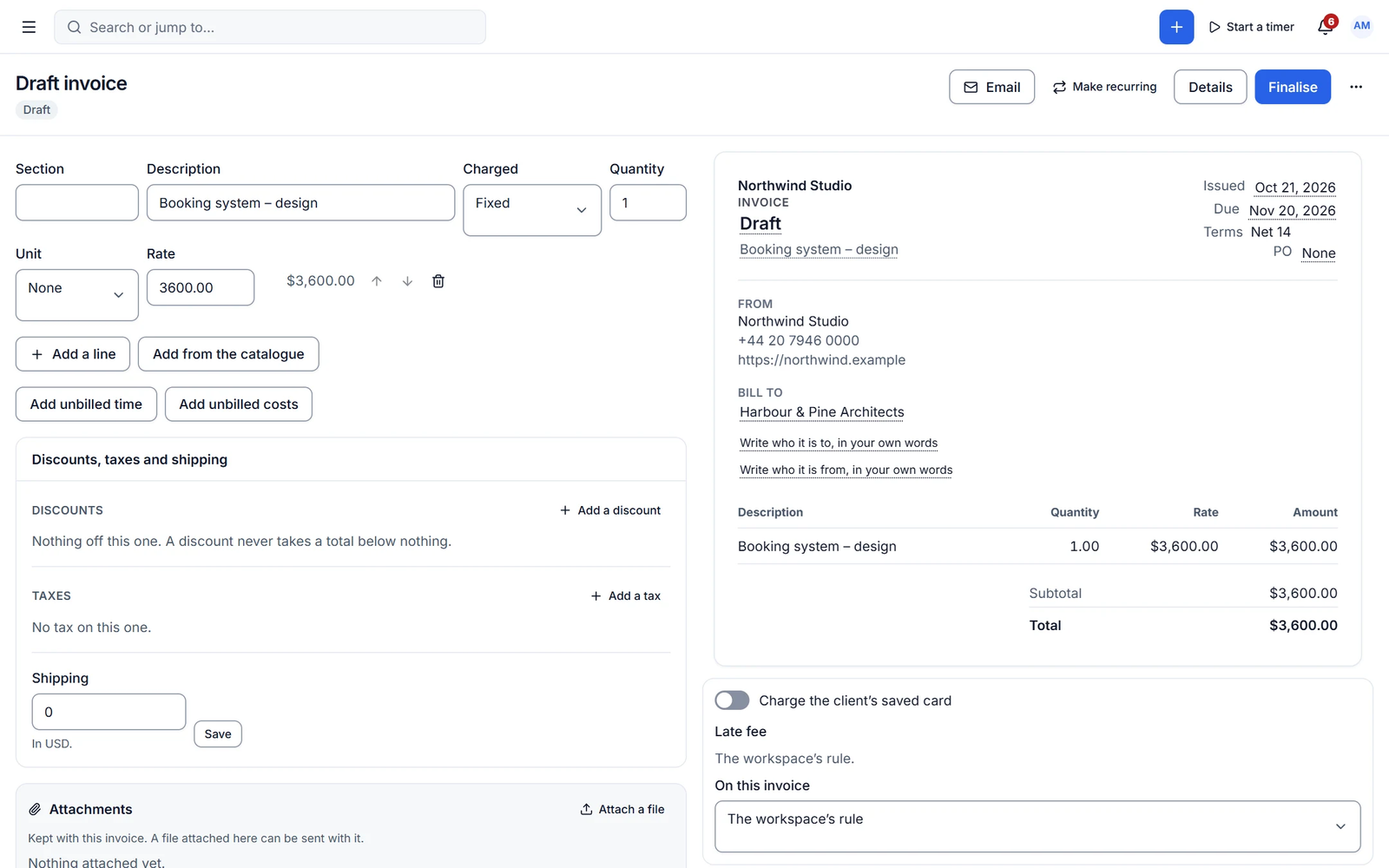
Milestone billing
Invoice an amount or percentage when a milestone completes, with a client approval gate.
✦ AI in projects & tasks
From meeting notes to a plan
Write or improve task descriptions with AI in the free plugin. Pro plans the project from a brief, splits work into tasks, estimates them and writes the weekly status report.
- Task descriptions
- Project plan from a brief
- Status reports and risk alerts
With Cliezoo Pro Pro
More automation and scale
- Gantt timeline, dependencies and workload
- Portfolio timeline of all projects
- Template variables and relative dates
- Cost, profit and margin
- AI project planner
Frequently asked questions
Can’t find your answer? Read the docs or ask the Degird team.
Read the docs → Contact us →Can clients see tasks?
Only the tasks and fields you mark as visible to clients, on the projects you share with them.
Is there a limit on projects or boards?
No. Projects, boards, tasks and members are unlimited in the free plugin.
Run your whole client business from WordPress.
Install the free plugin in minutes. No caps, no trial, no credit card. Upgrade to Pro when you want autopilot.